Google for Education
Secure, collaborative technology designed for teaching, learning and the future of education
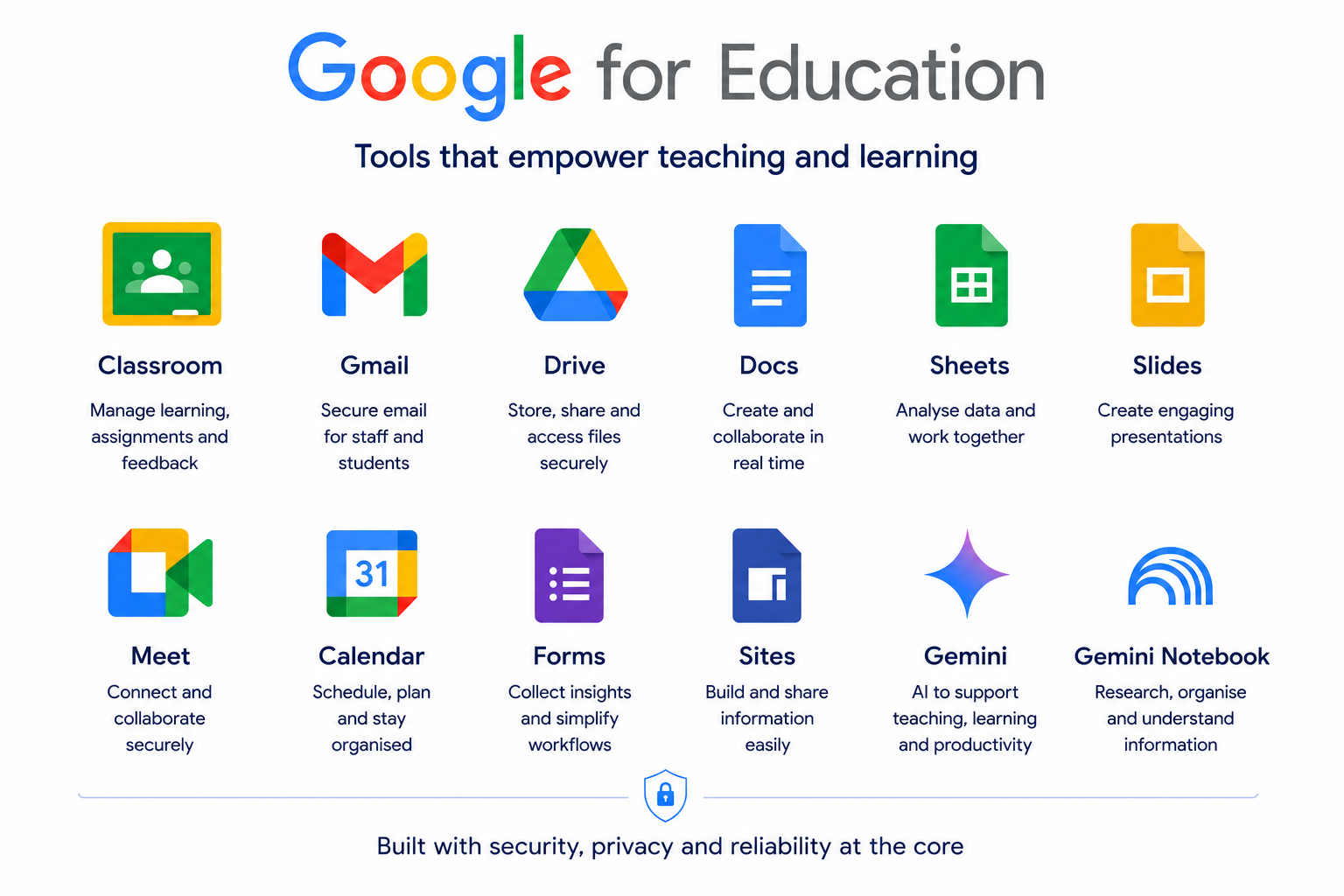
Google for Education brings together the tools schools and trusts need to communicate, collaborate, manage learning and work securely.
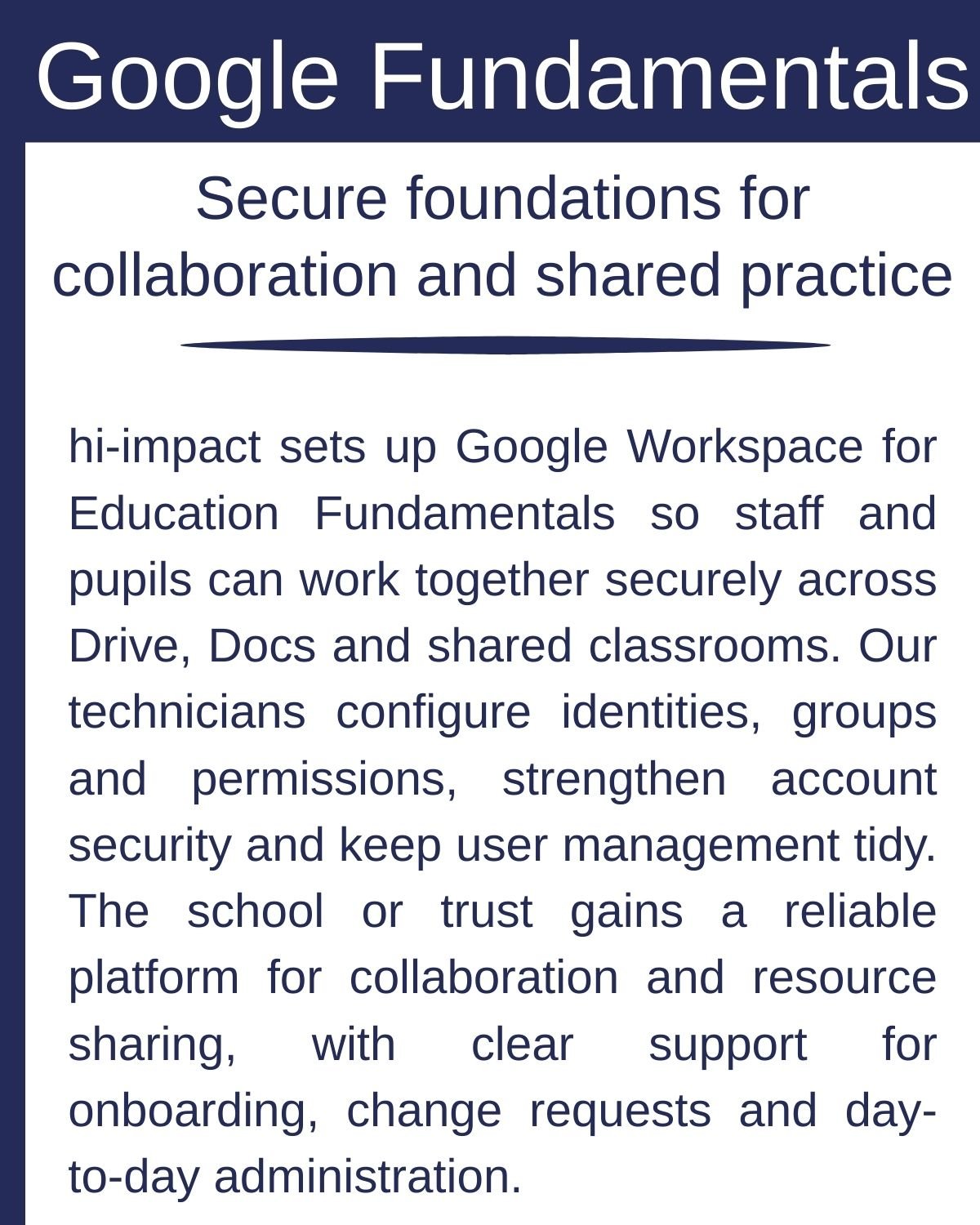
hi-impact helps you get more from your Google environment, combining technical expertise with education experience. From setup and cloud migration to security, administration and training, we help ensure Google is effectively integrated across your school and continues to develop with your needs.
Make more of Google for Education
Google continues to develop its education tools, creating new opportunities to improve teaching and learning, increase efficiency and strengthen security.
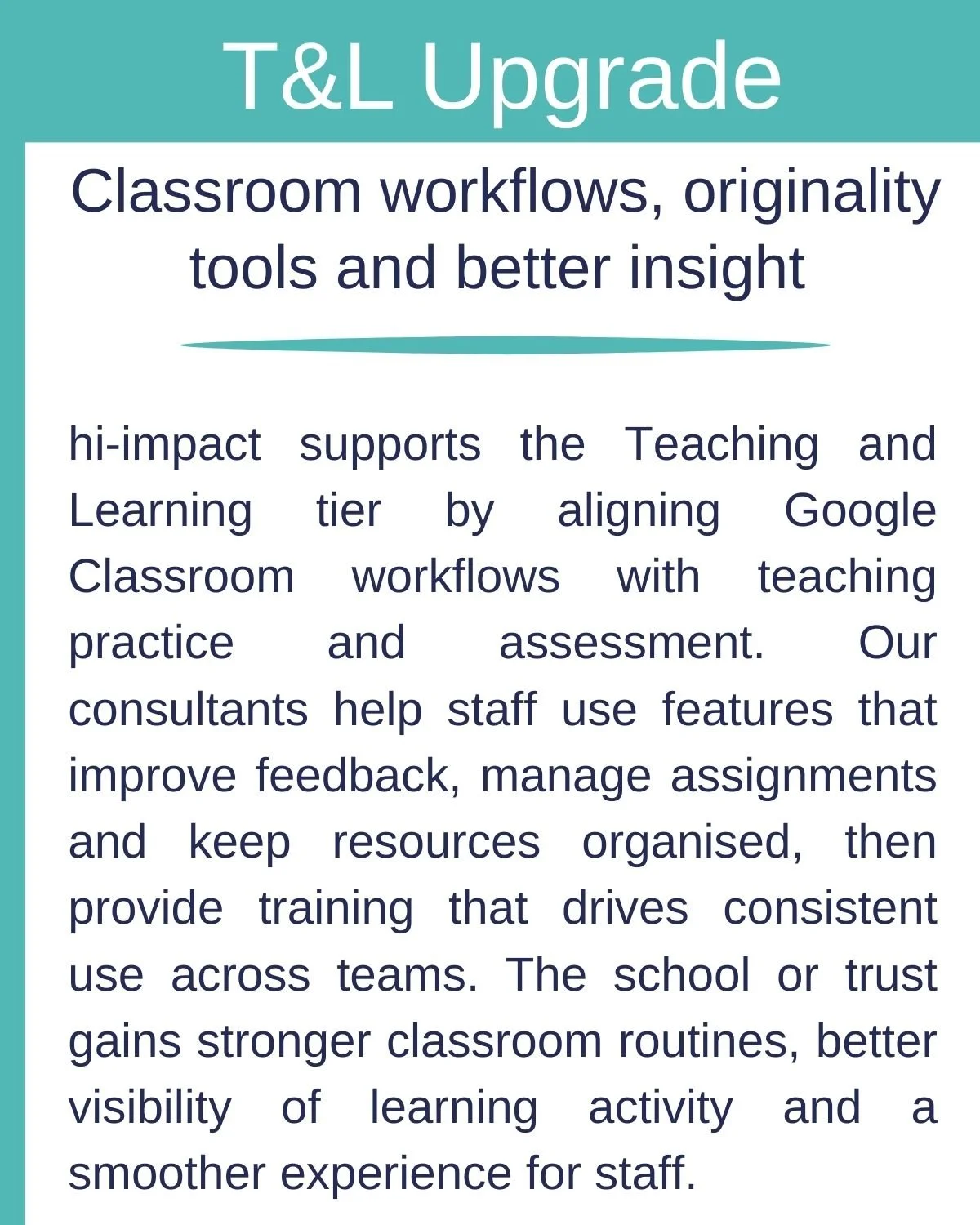
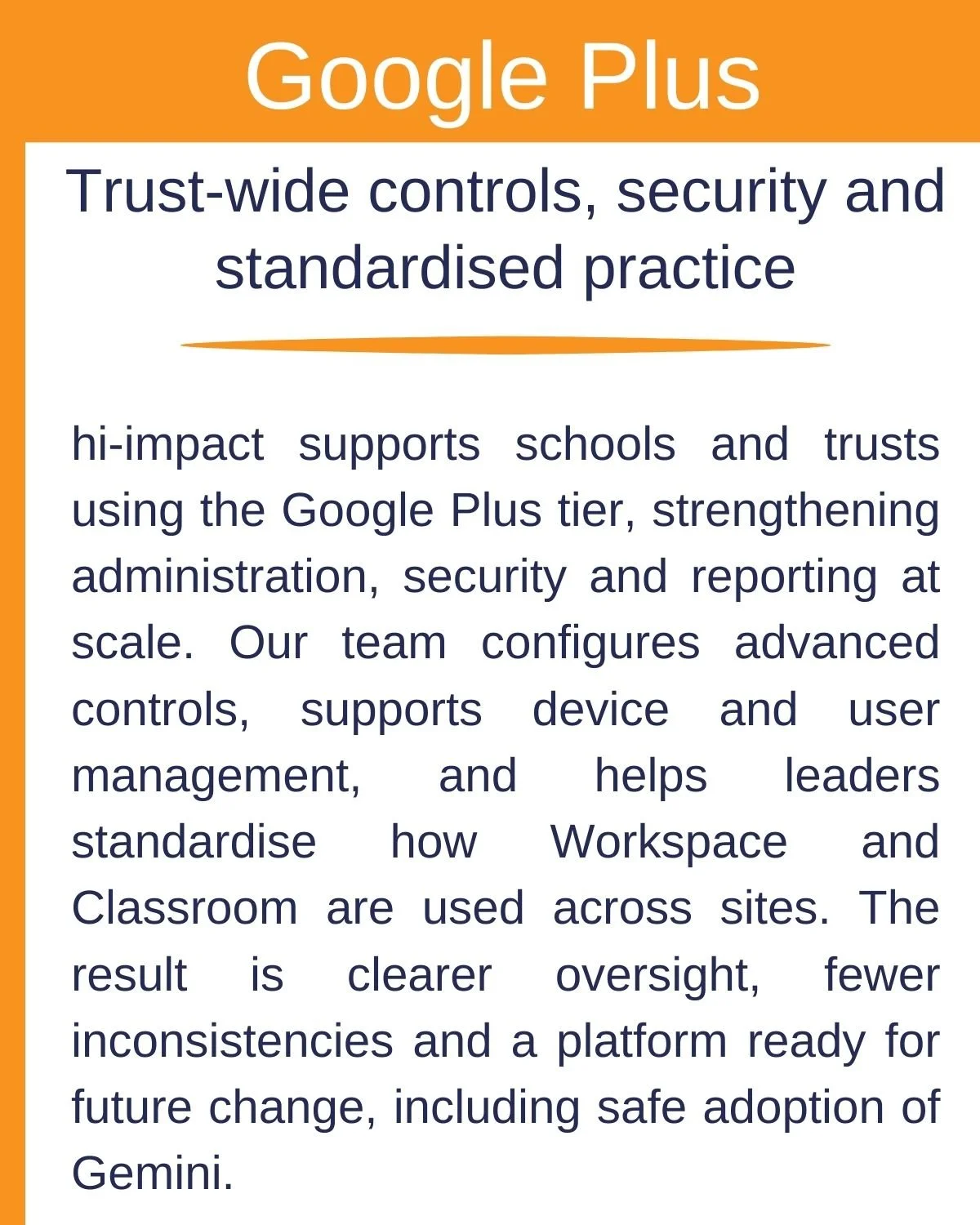
Google Classroom and Class Tools support teachers to manage learning and classroom activity more effectively, while enhanced security and management features provide greater visibility and controls to support your approach to cyber security.
Gemini and Notebook bring AI-powered tools into the Google environment, supporting planning, research, content creation and new approaches to teaching and learning.
hi-impact can help you understand what is available, what is included within your current edition and where an upgrade could add value.
Gemini for Education
Gemini brings AI into the Google for Education environment, helping teachers and staff work more efficiently while creating new opportunities for teaching and learning.
Integrated across tools including Google Classroom and Workspace, Gemini can support lesson planning, resource creation, differentiation, feedback and everyday administrative tasks.
Gemini Notebook can help staff and students explore, organise and understand information using trusted sources, while Gemini provides support for research, ideas and content creation.
For teachers, this means AI can become part of existing classroom workflows rather than another standalone tool to learn and manage.
hi-impact helps schools and trusts introduce Gemini effectively, from access and configuration to staff training, safeguarding, governance and identifying where AI can add genuine value in the classroom.
Delivery and Support
A successful Google environment brings together reliable technical foundations with effective classroom use.
As a Google for Education Partner, hi-impact provides support across cloud migration, Workspace and Chromebook management, security, licensing and ongoing administration, alongside practical training for staff.
Our technical consultants and education specialists work together to ensure Google is not only well managed, but effectively integrated across your school or trust.
Google for Education Partner
As a Google for Education Partner, hi-impact has the expertise to help schools and trusts get more from their Google environment.
Our Google-certified team stays up to date with the latest developments, features and releases, helping you understand what’s changing and where new opportunities could add value. From technical configuration and security to Google Classroom, Chromebooks, Gemini and the latest teaching tools, we help schools and trusts stay ahead of developments and introduce new technology confidently and effectively.